Use the resize page for your platform. For no-crop results choose the blurred-background fit, use Instagram Grid Maker to split a large picture, and Zoom Out Image to add space around a subject.
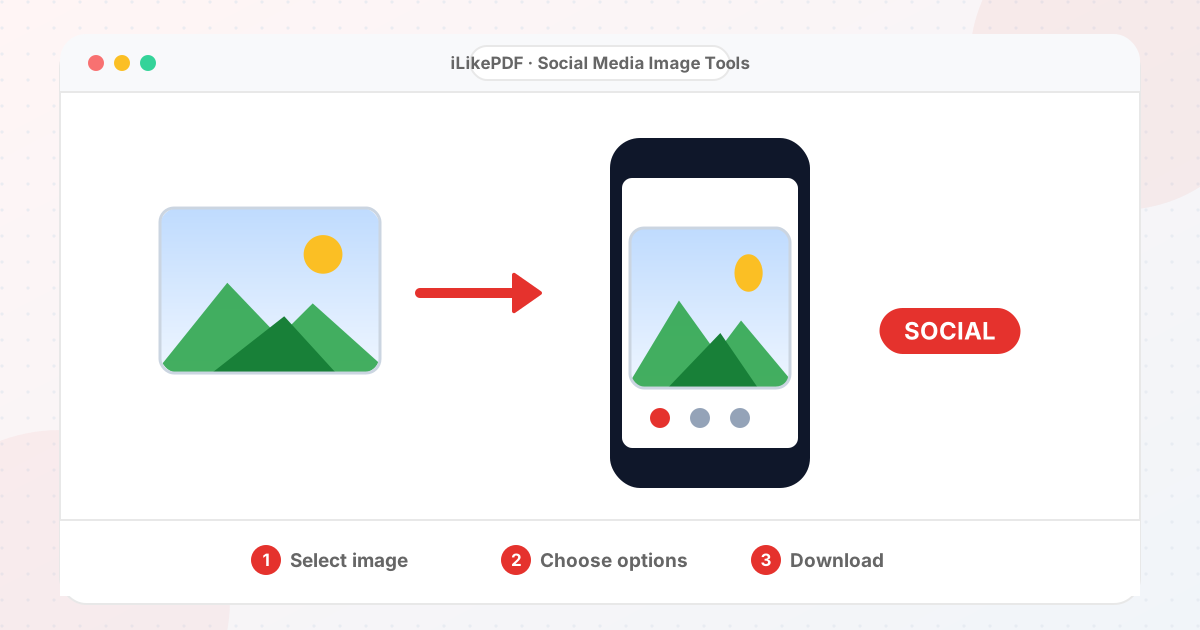
Apps crop and compress uploads, which can cut off faces and text. These tools place your whole picture inside the right frame, with a blurred copy filling the extra space, or crop only when you choose. Platform rules change over time, so treat the sizes as good starting points and check the app.
All Social Media
How to Choose the Right Tool
- Instagram post or story: Resize Image for Instagram.
- Round profile pictures: WhatsApp DP or Facebook Profile.
- Channel art and thumbnails: YouTube Banner or 1024 × 576.
- A giant profile grid: Instagram Grid Maker.
- A tighter subject with more space: Zoom Out Image.
Before You Upload Anything
- Keep your original file. Every tool saves a new copy.
- Compare the result with the size, format and dimensions your form or app states.
- Open the downloaded file once before you upload it.
Other Image Tool Groups
Guides
Share This Page
If you found this tool useful, share it with friends and classmates:
FAQs – Social Media Image Tools
1. Social Media Image Tools kaise use karein?
Apni file select karein, settings check karein aur “Open tool” button dabayein. Result neeche dikhega; phir Download par tap karein.
2. Kya Social Media Image Tools free hai?
Haan, iLikePDF ka Social Media Image Tools tool bilkul free hai. Koi payment ya signup nahi chahiye.
3. Kya main mobile se Social Media Image Tools use kar sakta hoon?
Haan, yeh tool mobile-friendly hai. Aap Android ya iPhone ke browser se bhi Social Media Image Tools use kar sakte hain.
4. Kya meri file upload hoti hai?
Nahi. Yeh tool aapke browser me chalta hai; aapki file iLikePDF ke server par upload nahi hoti. (Kuch features ek helper library CDN se load karte hain, lekin aapki file unme nahi jaati.)
5. What size should Instagram posts be?
A 1080-pixel-wide picture works: 1080 × 1080, 1080 × 1350 or 1080 × 566.
6. How do I avoid cropping?
Use the blurred-background fit so the whole picture stays visible.
7. Which tool should I choose?
Start here: Instagram post or story: Resize Image for Instagram.
8. Do the tools reduce picture quality?
Only when your target needs it, and you can see the result before you download. Your original file is never changed.
9. Which file types can I use?
Most tools accept JPG, PNG, WebP, GIF, BMP and AVIF pictures that your browser can open. PDF tools accept PDF files.
10. Is there a limit on file size or number of files?
There is no fixed limit, but the work happens on your device, so very large files can be slow on a phone.