About 2 × 2 Photo with White Background
Choose a front-facing photo, pick the size, drag the picture so the face sits in the guide and turn on background replacement for white.
iLikePDF's 2 × 2 Photo with White Background tool lets you make a white-background passport-size photo at home: crop to the right size, change the background colour and print a sheet of copies – free and without any software. It is a good fit for passport, visa and ID applications that accept self-made prints, job and exam forms that ask for a plain-background photo and printing several copies at a shop or at home. You may also know it as 2 × 2 photo with white background online, 2 × 2 photo with white background free.
Everything happens in your browser: your files are not uploaded to our servers. It is private by design, quick to use and mobile-friendly.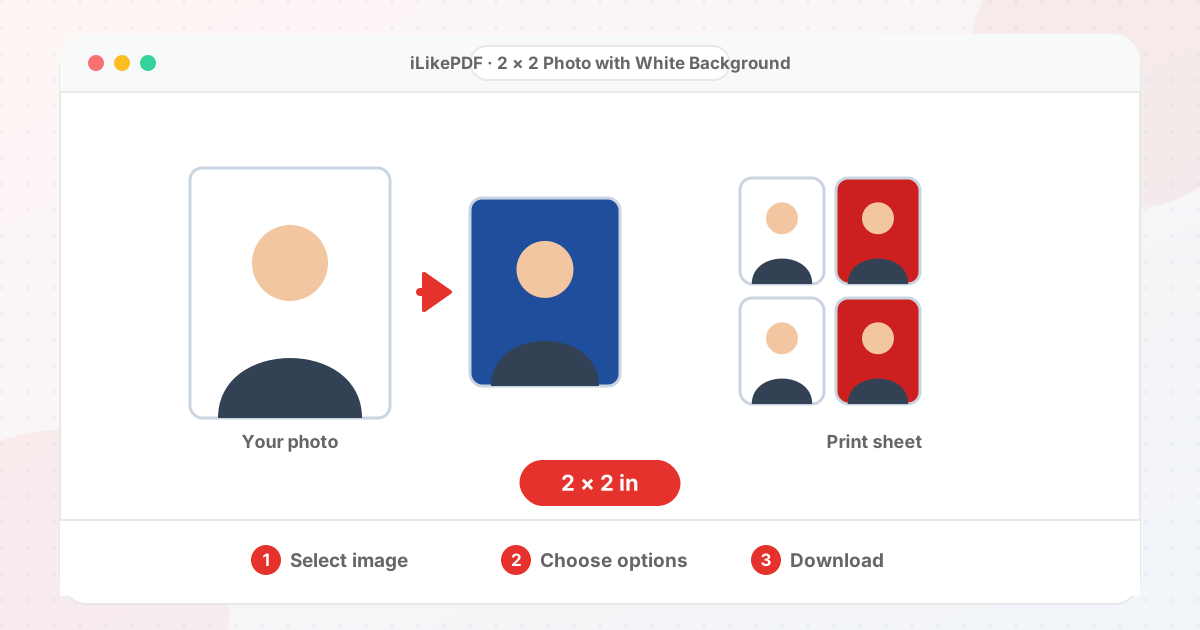
How to Use 2 × 2 Photo with White Background
- Select a clear, front-facing photo taken in even light.
- Choose the photo size (for example 35 × 45 mm).
- Drag the picture and use the zoom slider so the face sits inside the dashed guide.
- Keep Replace the background on and choose white (or another colour).
- Optionally add a 4 × 6 inch print sheet, then press the button and download.
Before & After
Before (Photo on any background)
- Uneven wall or shadows
- Wrong size for the form
- Single loose photo
After (White background, print-ready)
- Cropped to the size you choose
- Background set to white
- Optional 4 × 6 print sheet
Conceptual illustration, not a screenshot.
Supported Input and Output
| Input | JPG, PNG, WebP, GIF, BMP or AVIF pictures |
| Output | JPG (plus an optional 4 × 6 inch print sheet) |
| 2 × 2 inch (51 × 51 mm) | 600 × 600 px at 300 DPI |
| 600 × 600 px (US visa online) | 600 × 600 px at 300 DPI |
| Background colour | White (you can pick any colour) |
| Print sheet | 4 × 6 inch with as many copies as fit |
2 × 2 Photo with White Background Features
- ✅ 100% free – no payment, no sign-up, no watermark.
- ✅ No software – 2 × 2 photo with white background online straight in your browser.
- ✅ Private by design – your file is processed on your device, not uploaded to our servers.
- ✅ Editable presets – change every number to match your notice.
- ✅ Works on mobile and desktop – Android, iPhone, Windows and Mac.
Who Should Use 2 × 2 Photo with White Background?
- Students – Prepare exam-form photos and signatures in the size and KB range a form states.
- Job Seekers – Get application photos, signatures and ID pictures ready for government and private job forms.
- Professionals – Prepare ID-style pictures for company, licence or KYC portals.
- Small Businesses – Make staff ID photos and KYC uploads quickly without a studio.
- General Users – Make passport, visa or ID pictures at home.
Tips for Best Results
- Stand in front of a plain, light wall and face a window so the light is even.
- Keep your head straight, mouth closed and both eyes open, with no shadows on the face.
- Background replacement works best on a plain, single-colour wall. Busy or shadowy backgrounds leave patches.
Limits and Things to Know
- The dashed oval is a rough framing aid, not an official template.
- Background replacement is colour-based, not AI, so hair edges and shadows can look rough on busy backgrounds.
- The tool cannot confirm that a photo meets any official rule.
Related Tools and Guides
Quick Summary
| Feature | Details |
|---|---|
| Tool name | 2 × 2 Photo with White Background |
| Cost | 100% free |
| Software required | No |
| File upload | No – processed in your browser |
| Supported devices | Mobile & desktop |
| Best for | Passport, visa and ID applications that accept self-made prints |
Share This Tool
If you found this tool useful, share it with friends and classmates:
Disclaimer
2 × 2 Photo with White Background is for personal and educational use. Check your local laws and your organisation's rules before you process copyrighted or sensitive documents. Results depend on your file and browser, so always check the output before you use it.
FAQs – 2 × 2 Photo with White Background
1. 2 × 2 Photo with White Background kaise use karein?
Apni file select karein, settings check karein aur “Make passport photo” button dabayein. Result neeche dikhega; phir Download par tap karein.
2. Kya 2 × 2 Photo with White Background free hai?
Haan, iLikePDF ka 2 × 2 Photo with White Background tool bilkul free hai. Koi payment ya signup nahi chahiye.
3. Kya main mobile se 2 × 2 Photo with White Background use kar sakta hoon?
Haan, yeh tool mobile-friendly hai. Aap Android ya iPhone ke browser se bhi 2 × 2 Photo with White Background use kar sakte hain.
4. Kya meri file upload hoti hai?
Nahi. Yeh tool aapke browser me chalta hai; aapki file iLikePDF ke server par upload nahi hoti. (Kuch features ek helper library CDN se load karte hain, lekin aapki file unme nahi jaati.)
5. How do I make a white background passport photo?
Take a straight-on photo in front of a plain wall, choose the size, place the face in the guide and keep background replacement on with a white colour.
6. Which passport photo size should I choose?
Use the size in your document's instructions. 35 × 45 mm and 2 × 2 inch are the most common, but rules differ.
7. Can I print several copies on one sheet?
Yes. Turn on the 4 × 6 inch sheet option and the tool lays out as many copies as fit.
8. Will my photo be accepted?
That depends on the office and its rules. This tool helps with size and background but cannot check compliance.
9. How to use 2 × 2 photo with white background?
Use 2 × 2 Photo with White Background on this page. It runs in a normal browser on computers and phones, with no software and no account.
10. What is the best way to make a 2x2 photo with a white background?
The quickest way is 2 × 2 Photo with White Background on this page. Choose your file, check the settings and press the button. Nothing needs to be installed.