213 Free PDF & Image Guides
Step-by-step, no-sign-up guides for every PDF and image tool on iLikePDF: what each task does, what to check, and what to do when the result is not what you expected. Start with a topic guide, or jump straight to the article for your tool — free tool links included in every guide.
213 articles
All 213 Guides & Articles
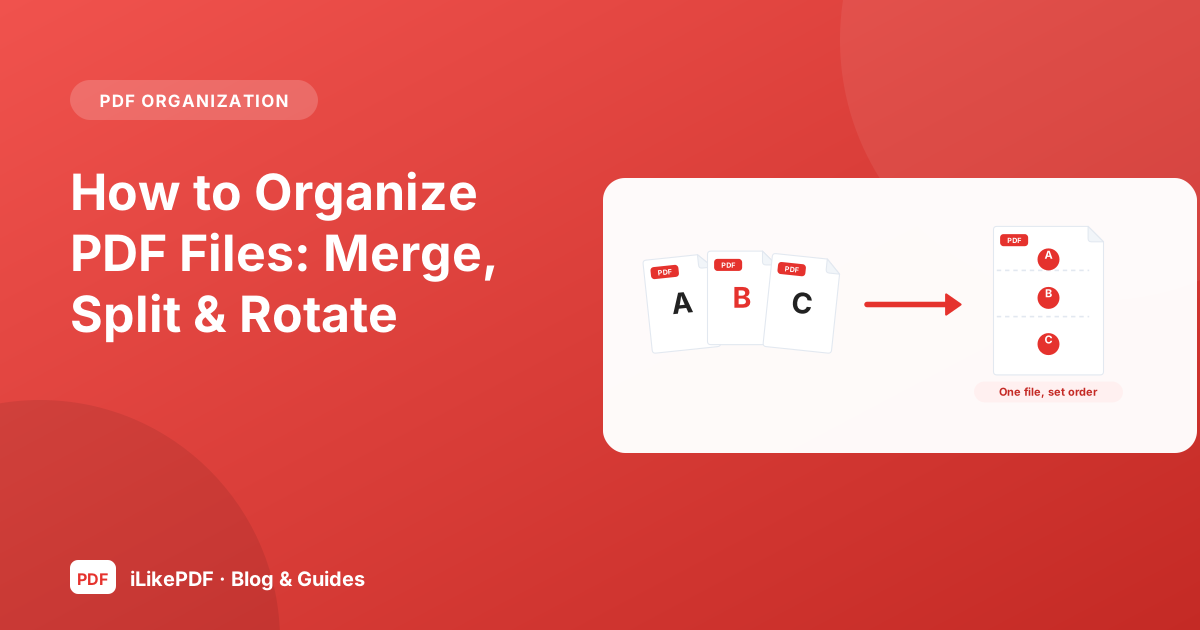
How to Organize PDF Files: Merge, Split & Rotate
Learn how to organize PDFs, extract pages, merge documents and add page numbers. Follow practical checks for clear, correctly ordered document bundles.
8 min read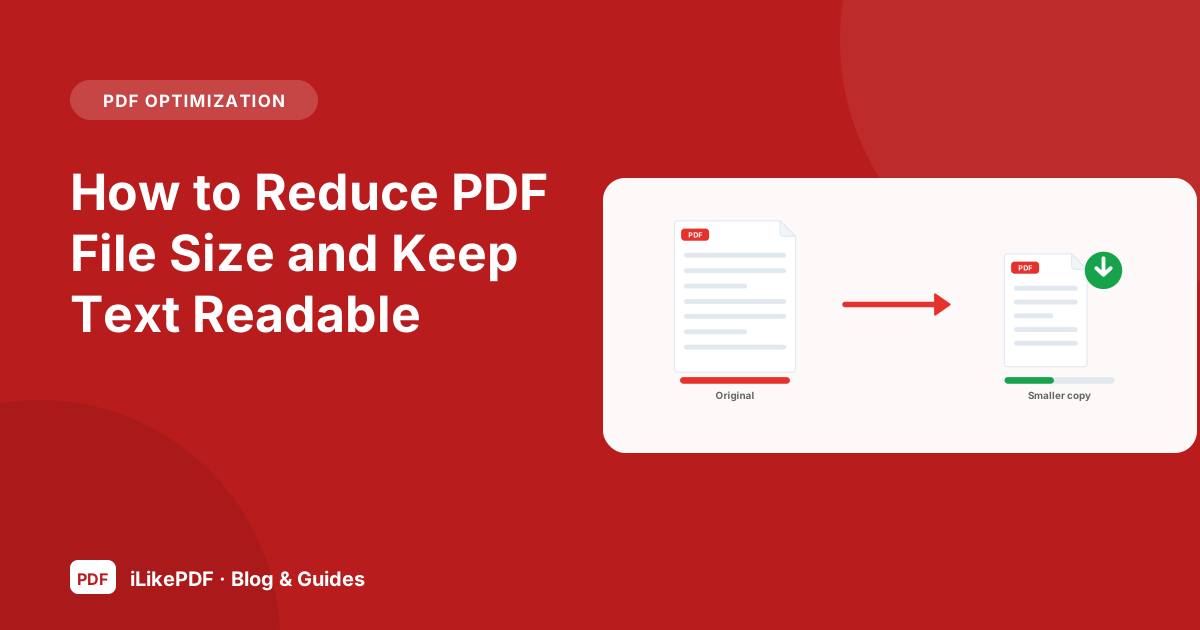
How to Reduce PDF File Size and Keep Text Readable
Understand what makes a PDF large and follow a practical workflow to reduce its size while keeping text readable and pages complete.
8 min read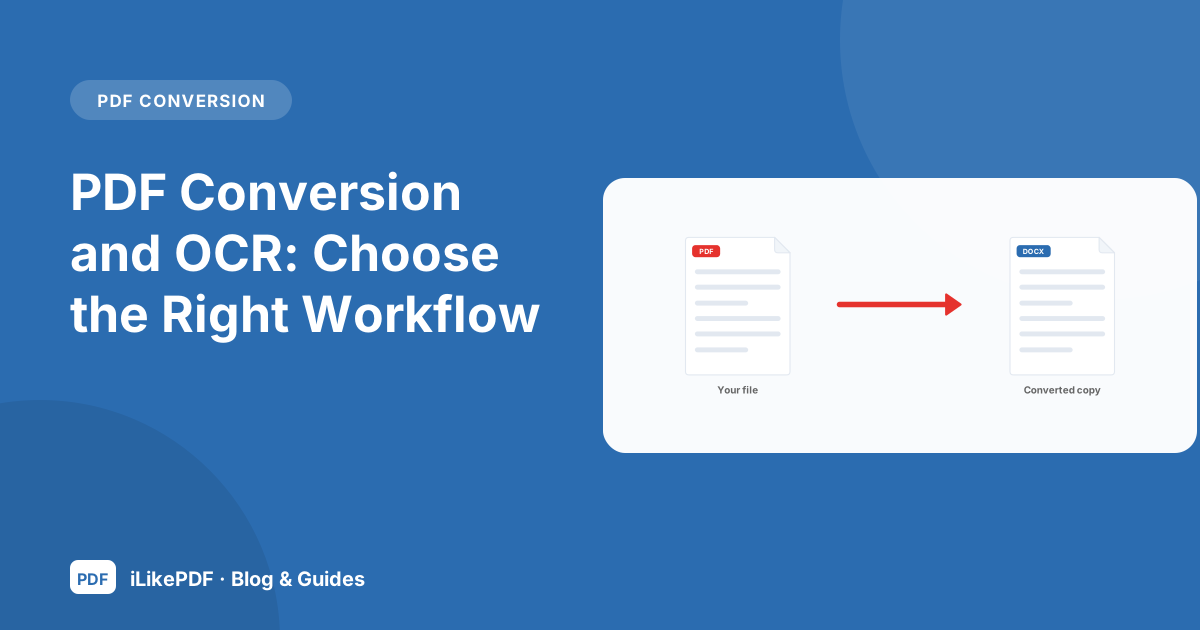
PDF Conversion and OCR: Choose the Right Workflow
Choose the right route for Word, Excel, PowerPoint, images and scanned PDFs. Learn what each conversion keeps and how to check the output.
8 min read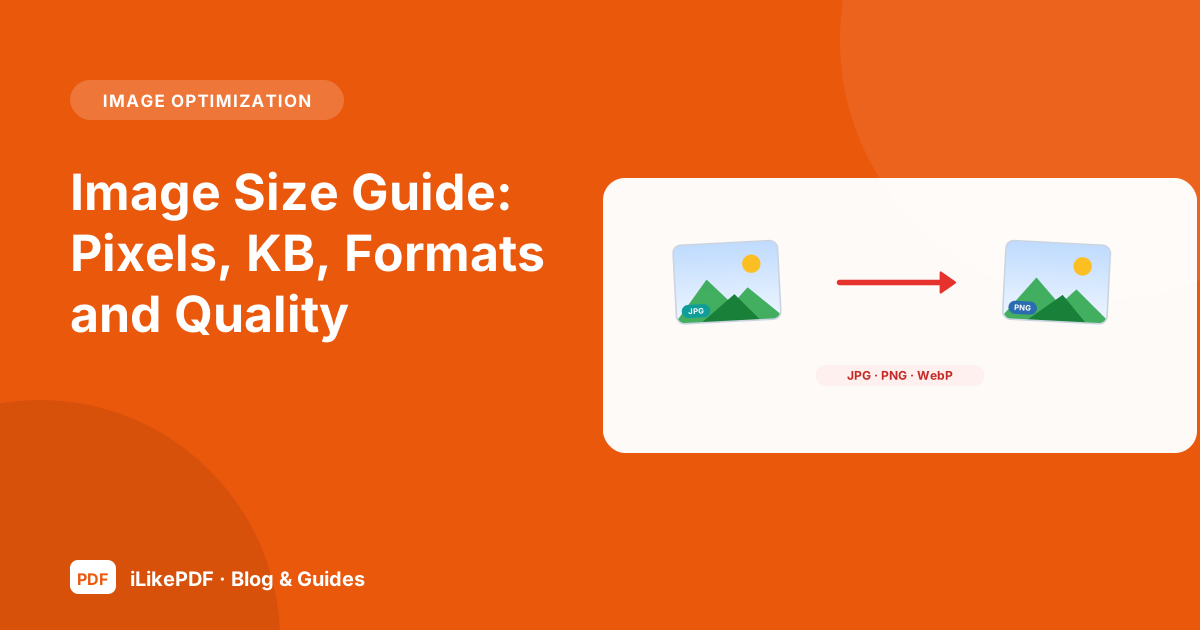
Image Size Guide: Pixels, KB, Formats and Quality
Understand pixel dimensions, file size in KB, formats and quality, then choose the right resize, compress, convert or target-size workflow.
8 min read
How to Merge PDF Files Online Without Messing Up the Order
Learn how to merge PDF files online in the right order, check the result and avoid common problems with size, orientation and forms before you share the file.
9 min read
How to Split a PDF and Extract Only the Pages You Need
Extract selected pages from a PDF, write page ranges correctly and check the new file so you never send a page you meant to leave out.
8 min read
How to Rotate PDF Pages and Save the Change Permanently
Why a rotated PDF sometimes turns back in another viewer, how page rotation is stored and how to fix sideways scans and mixed orientations.
8 min read
PDF Page Numbers vs Printed Page Numbers: How to Number Correctly
Viewer page 7 is not always printed page 7. Learn how to number a PDF after merging, deal with cover pages and avoid overlaps with existing footers.
9 min read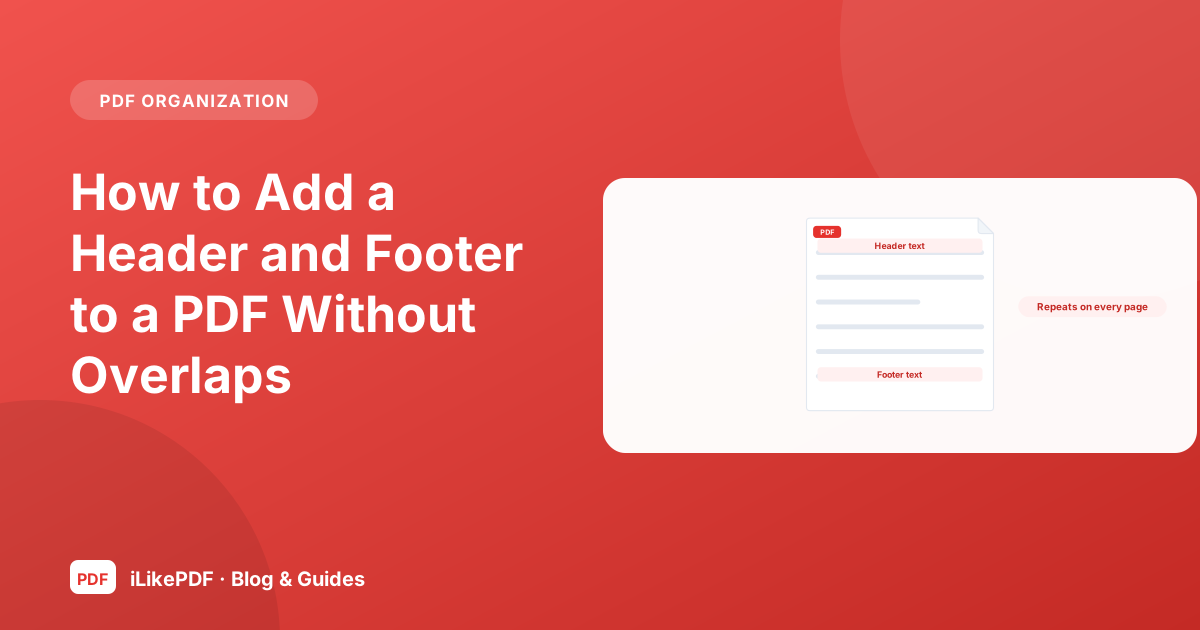
How to Add a Header and Footer to a PDF Without Overlaps
Add a running title, reference number or confidentiality line to every PDF page, choose sensible wording and avoid collisions with existing margins.
8 min read
How to Watermark a PDF: DRAFT Marks, Copies and Limits
Use a text watermark to label drafts and copies, understand what it does not protect, and check readability on every page before you share.
8 min read
How to Edit a PDF Online: What You Can and Cannot Change
A realistic guide to editing a PDF in the browser: adding notes, when to go back to the source file and how to avoid errors with fonts and characters.
8 min read
How to Sign a PDF Online: Visible Signatures vs Digital Signatures
Understand the difference between a drawn signature image and a certificate-based digital signature, and how to place and check a visible signature.
8 min read
What Does Flattening a PDF Do? Forms, Comments and the Redaction Myth
Learn what PDF flattening changes, when to use it for filled forms, what it does not remove and why it is not a substitute for redaction.
9 min read
How to Password Protect a PDF: What a Password Really Does
Open passwords, permission passwords and what they protect. A practical checklist for sharing sensitive PDFs and verifying that encryption really worked.
8 min read
How to Unlock a PDF You Are Allowed to Open
Open-password versus permission restrictions, what to do when you forgot a password you own and why you should only unlock files you may open.
8 min read
Why Your Compressed PDF Is Still Too Large (and What to Try)
Find out what makes a PDF large, why some compression attempts barely change the size and which practical steps actually bring a file under a limit.
9 min read
How to Convert Word to PDF and Keep the Formatting
Fonts, images, tables and page breaks: how to convert a Word document to PDF, what can shift and how to check the result before you send it.
8 min read
How to Convert Excel to PDF: Print Areas, Page Breaks and Wide Sheets
Stop spreadsheets printing across many pages. Set print areas, orientation and scaling, export a clean PDF and check that no column is cut off.
8 min read
How to Convert PDF to Word: Editable Text vs Exact Layout
When a PDF can become an editable Word file, what usually breaks (tables, columns, fonts) and how to get usable text from a text-based PDF.
8 min read
How to Convert PDF Tables to Excel Without Losing Data
Move table data from a PDF into a spreadsheet, keep leading zeros and long numbers as text, and check that rows and columns line up.
8 min read
Why PDF to PowerPoint Slides Are Not Editable, and What to Do
Picture slides versus editable slides: what a PDF to PowerPoint conversion can do, when to rebuild slides and how to present a PDF cleanly.
8 min read
How to Convert PDF to JPG: Pages, Resolution and File Size
Save PDF pages as JPG images, choose which pages you need, understand resolution and quality, and keep the resulting images light enough to share.
8 min read
How to Convert JPG to PDF: Multiple Photos, Order and Page Size
Turn phone photos and scans into one PDF, control the order, understand page size and avoid oversized or sideways pages.
8 min read
Scanned PDF vs Text PDF: How OCR Works and When You Need It
Tell a scanned PDF from a text PDF in ten seconds, learn what OCR does and does not do and how to check recognised text for errors.
8 min read
How to Compress an Image Without Ruining It
Choose a quality level, understand lossy versus lossless and compare results so a photo gets lighter without visible damage.
8 min read
Pixels vs KB vs Print Size: How to Resize an Image Correctly
Pixels, kilobytes and print resolution are three different things. Learn how to resize an image to exact dimensions without stretching it.
8 min read
JPG to PNG, PNG to JPG and WebP: Convert Image Formats Correctly
When to use JPG, PNG or WebP, what happens to transparency and quality when you convert, and how to convert JPG to PNG or PNG to JPG safely.
9 min read
How to Rotate an Image Without Losing Quality
Fix sideways photos, understand the EXIF orientation flag and learn why some viewers still show the old direction after rotating.
8 min read
How to Flip or Mirror an Image: Horizontal, Vertical and When to Use Each
Mirror a photo or graphic horizontally or vertically, avoid reversed text and understand how flipping differs from rotating.
8 min read
How to Reduce Image Size to 50 KB, 100 KB or 200 KB for Online Forms
A step-by-step way to get a photo or signature under a KB limit for application forms: resize first, then compress, then check the result.
8 min read
Image Size Converter: Step-by-Step Guide
Re-save a photo as JPEG under a KB limit.
4 min read
Compress Image to 5 KB: Step-by-Step Guide
Reduce a photo to 5 KB or less in your browser. Choose the image, press one button and…
4 min read
Compress Image to 15 KB: Step-by-Step Guide
Reduce a photo to 15 KB or less in your browser. Choose the image, press one button and…
4 min read
Compress Image to 20 KB: Step-by-Step Guide
Reduce a photo to 20 KB or less in your browser. Choose the image, press one button and…
4 min read
Compress Image to 50 KB: Step-by-Step Guide
Reduce a photo to 50 KB or less in your browser. Choose the image, press one button and…
4 min read
Compress Image to 60 KB: Step-by-Step Guide
Reduce a photo to 60 KB or less in your browser. Choose the image, press one button and…
4 min read
Compress Image to 70 KB: Step-by-Step Guide
Reduce a photo to 70 KB or less in your browser. Choose the image, press one button and…
4 min read
Compress Image to 80 KB: Step-by-Step Guide
Reduce a photo to 80 KB or less in your browser. Choose the image, press one button and…
4 min read
Compress Image to 90 KB: Step-by-Step Guide
Reduce a photo to 90 KB or less in your browser. Choose the image, press one button and…
4 min read
Compress Image to 100 KB: Step-by-Step Guide
Reduce a photo to 100 KB or less in your browser. Choose the image, press one button and…
4 min read
Compress Image to 200 KB: Step-by-Step Guide
Reduce a photo to 200 KB or less in your browser. Choose the image, press one button and…
4 min read
Compress Image to 1 MB: Step-by-Step Guide
Reduce a photo to 1 MB or less in your browser. Choose the image, press one button and…
4 min read
Compress Image to 2 MB: Step-by-Step Guide
Reduce a photo to 2 MB or less in your browser. Choose the image, press one button and…
4 min read
Compress JPEG to 10 KB: Step-by-Step Guide
Reduce a photo to 10 KB or less in your browser. Choose the image, press one button and…
4 min read
Compress JPEG to 25 KB: Step-by-Step Guide
Reduce a photo to 25 KB or less in your browser. Choose the image, press one button and…
4 min read
Compress JPEG to 30 KB: Step-by-Step Guide
Reduce a photo to 30 KB or less in your browser. Choose the image, press one button and…
4 min read
Compress JPEG to 40 KB: Step-by-Step Guide
Reduce a photo to 40 KB or less in your browser. Choose the image, press one button and…
4 min read
Compress JPEG to 150 KB: Step-by-Step Guide
Reduce a photo to 150 KB or less in your browser. Choose the image, press one button and…
4 min read
Compress JPEG to 300 KB: Step-by-Step Guide
Reduce a photo to 300 KB or less in your browser. Choose the image, press one button and…
4 min read
Compress JPEG to 500 KB: Step-by-Step Guide
Reduce a photo to 500 KB or less in your browser. Choose the image, press one button and…
4 min read
Compress PNG to 100 KB: Step-by-Step Guide
Reduce a photo to 100 KB or less in your browser. Choose the image, press one button and…
4 min read
Resize Image to 20 KB: Step-by-Step Guide
Reduce a photo to 20 KB or less in your browser. Choose the image, press one button and…
4 min read
Resize Image to 50 KB: Step-by-Step Guide
Reduce a photo to 50 KB or less in your browser. Choose the image, press one button and…
4 min read
Resize Image to 100 KB: Step-by-Step Guide
Reduce a photo to 100 KB or less in your browser. Choose the image, press one button and…
4 min read
Resize Image to 200 KB: Step-by-Step Guide
Reduce a photo to 200 KB or less in your browser. Choose the image, press one button and…
4 min read
Compress JPEG Between 20 KB and 50 KB: Step-by-Step Guide
Reduce a photo to between 20 KB and 50 KB in your browser. Choose the image, press one…
4 min read
Compress Image Between 30 KB and 70 KB: Step-by-Step Guide
Reduce a photo to between 30 KB and 70 KB in your browser. Choose the image, press one…
4 min read
Compress Image Between 30 KB and 100 KB: Step-by-Step Guide
Reduce a photo to between 30 KB and 100 KB in your browser. Choose the image, press one…
4 min read
Compress Image 10 KB to 20 KB: Step-by-Step Guide
Reduce a photo to between 10 KB and 20 KB in your browser. Choose the image, press one…
4 min read
Reduce Image Size in KB: Step-by-Step Guide
Set the exact size limit your form needs in KB or MB and get a picture that fits it, all…
4 min read
Reduce Image Size in MB: Step-by-Step Guide
Set the exact size limit your form needs in KB or MB and get a picture that fits it, all…
4 min read
JPG to KB Converter: Step-by-Step Guide
Set the exact size limit your form needs in KB or MB and get a picture that fits it, all…
4 min read
Convert Image from MB to KB: Step-by-Step Guide
Set the exact size limit your form needs in KB or MB and get a picture that fits it, all…
4 min read
Convert Image Size KB to MB: Step-by-Step Guide
Set the exact size limit your form needs in KB or MB and get a picture that fits it, all…
4 min read
Increase Image Size in KB: Step-by-Step Guide
Increase an image file to at least 200 KB when a form asks for a minimum size. The…
4 min read
Increase Image Size in MB: Step-by-Step Guide
Increase an image file to at least 1 MB when a form asks for a minimum size. The picture…
4 min read
Increase JPEG Size: Step-by-Step Guide
Increase an image file to at least 500 KB when a form asks for a minimum size. The…
4 min read
1 × 1 Inch Photo Maker: Step-by-Step Guide
Resize any photo to exactly 1 × 1 in in your browser, with an optional file-size limit.
4 min read
Convert Image to 480 × 640 Pixels: Step-by-Step Guide
Resize any photo to exactly 480 × 640 px in your browser, with an optional file-size…
4 min read
Convert Image to 512 × 512: Step-by-Step Guide
Resize any photo to exactly 512 × 512 px in your browser, with an optional file-size…
4 min read
Resize Image to 140 × 60 Pixels: Step-by-Step Guide
Resize any photo to exactly 140 × 60 px in your browser, with an optional file-size limit.
4 min read
Resize Image to 200 × 230 Pixels: Step-by-Step Guide
Resize any photo to exactly 200 × 230 px in your browser, with an optional file-size…
4 min read
Resize Image to 240 × 320 Pixels: Step-by-Step Guide
Resize any photo to exactly 240 × 320 px in your browser, with an optional file-size…
4 min read
Resize Image to 320 × 240 Pixels: Step-by-Step Guide
Resize any photo to exactly 320 × 240 px in your browser, with an optional file-size…
4 min read
Resize Image to 300 × 300: Step-by-Step Guide
Resize any photo to exactly 300 × 300 px in your browser, with an optional file-size…
4 min read
Resize Image to 600 × 600 Pixels: Step-by-Step Guide
Resize any photo to exactly 600 × 600 px in your browser, with an optional file-size…
4 min read
Resize Image to 2 × 2 Inch: Step-by-Step Guide
Resize any photo to exactly 2 × 2 in in your browser, with an optional file-size limit.
4 min read
Resize Image to 3 × 4 Inch: Step-by-Step Guide
Resize any photo to exactly 3 × 4 in in your browser, with an optional file-size limit.
4 min read
Resize Image to 4 × 6 Inch: Step-by-Step Guide
Resize any photo to exactly 4 × 6 in in your browser, with an optional file-size limit.
4 min read
Resize Image to 3.5 cm × 4.5 cm: Step-by-Step Guide
Resize any photo to exactly 3.5 × 4.5 cm in your browser, with an optional file-size…
4 min read
Resize Image to 35 mm × 45 mm: Step-by-Step Guide
Resize any photo to exactly 35 × 45 mm in your browser, with an optional file-size limit.
4 min read
Resize Image to 4 cm × 5 cm: Step-by-Step Guide
Resize any photo to exactly 4 × 5 cm in your browser, with an optional file-size limit.
4 min read
Resize Image to A4 Size: Step-by-Step Guide
Resize any photo to exactly 210 × 297 mm in your browser, with an optional file-size…
4 min read
Resize Image by Pixel: Step-by-Step Guide
Resize images in pixels, right in your browser.
4 min read
Change Image Width and Height: Step-by-Step Guide
Resize images in pixels, right in your browser.
4 min read
Resize Image in CM: Step-by-Step Guide
Resize images in cm, mm or inches, right in your browser.
4 min read
Resize Image in Inch: Step-by-Step Guide
Resize images in cm, mm or inches, right in your browser.
4 min read
Resize Image in MM: Step-by-Step Guide
Resize images in cm, mm or inches, right in your browser.
4 min read
Change Image Aspect Ratio: Step-by-Step Guide
Resize images in the shape you choose, right in your browser.
4 min read
Reduce Image Resolution: Step-by-Step Guide
Resize images in one step by percentage, right in your browser.
4 min read
Bulk Image Resizer: Step-by-Step Guide
Resize many images at once to the same size and download them together as a ZIP.
4 min read
SSC Photo Resizer: Step-by-Step Guide
Resize and compress a photo or signature for SSC online forms: set size and KB range…
4 min read
PAN Card Photo Resizer: Step-by-Step Guide
Resize and compress a photo or signature for PAN card online forms: set size and KB…
4 min read
PSC Photo Resize: Step-by-Step Guide
Resize and compress a photo or signature for PSC online forms: set size and KB range…
4 min read
Resize Image for UPSC: Step-by-Step Guide
Resize and compress a photo or signature for UPSC online forms: set size and KB range…
4 min read
Resize Image for GATE: Step-by-Step Guide
Resize and compress a photo or signature for GATE online forms: set size and KB range…
4 min read
Resize Image for NEET: Step-by-Step Guide
Resize and compress a photo or signature for NEET online forms: set size and KB range…
4 min read
TNPSC Photo Compressor: Step-by-Step Guide
Resize and compress a photo or signature for TNPSC online forms: set size and KB range…
4 min read
Add Name and Date on Photo: Step-by-Step Guide
Add a name and date strip under a photo, as some exam forms require.
4 min read
Passport Size Photo Maker: Step-by-Step Guide
Make a white-background passport-size photo at home: crop to the right size, change the…
4 min read
White Background Passport Photo: Step-by-Step Guide
Make a white-background passport-size photo at home: crop to the right size, change the…
4 min read
Red Background Passport Photo: Step-by-Step Guide
Make a red-background passport-size photo at home: crop to the right size, change the…
4 min read
Blue Background Passport Photo: Step-by-Step Guide
Make a blue-background passport-size photo at home: crop to the right size, change the…
4 min read
2 × 2 Photo with White Background: Step-by-Step Guide
Make a white-background passport-size photo at home: crop to the right size, change the…
4 min read
Bangladesh Passport Size Photo: Step-by-Step Guide
Make a white-background passport-size photo at home: crop to the right size, change the…
4 min read
Online Signature Maker: Step-by-Step Guide
Make a English signature image online: type it, draw it or clean up a photo of your own…
4 min read
Hindi Signature Maker: Step-by-Step Guide
Make a Hindi signature image online: type it, draw it or clean up a photo of your own…
4 min read
Marathi Signature Maker: Step-by-Step Guide
Make a Marathi signature image online: type it, draw it or clean up a photo of your own…
4 min read
Tamil Signature Generator: Step-by-Step Guide
Make a Tamil signature image online: type it, draw it or clean up a photo of your own…
4 min read
Resize Signature: Step-by-Step Guide
Resize a scanned or photographed signature to the exact size and KB your form asks for.
4 min read
Resize Signature to 50 mm × 20 mm: Step-by-Step Guide
Resize a scanned or photographed signature to the exact size and KB your form asks for.
4 min read
Resize Image to 4 cm × 2 cm: Step-by-Step Guide
Resize a scanned or photographed signature to the exact size and KB your form asks for.
4 min read
Resize Image to 6 cm × 2 cm: Step-by-Step Guide
Resize a scanned or photographed signature to the exact size and KB your form asks for.
4 min read
TNPSC Signature Compressor: Step-by-Step Guide
Resize a scanned or photographed signature to the exact size and KB your form asks for.
4 min read
Merge Photo and Signature: Step-by-Step Guide
Put your photo and signature into one image, a format some forms require, and set the…
4 min read
JPG to PNG: Step-by-Step Guide
Save a JPG as a lossless PNG file with one click.
4 min read
PNG to JPG: Step-by-Step Guide
Save a PNG as a smaller JPG and choose the quality.
4 min read
WebP to JPG: Step-by-Step Guide
Turn a WebP download into a JPG that opens almost everywhere.
4 min read
WebP to PNG: Step-by-Step Guide
Save a WebP as a lossless PNG and keep any transparency.
4 min read
JPG to WebP: Step-by-Step Guide
Save a JPG as a WebP and compare the size.
4 min read
PNG to WebP: Step-by-Step Guide
Save a PNG as a WebP, keeping transparency.
4 min read
AVIF to JPG Converter: Step-by-Step Guide
Convert AVIF to JPG in your browser. No upload, no watermark.
4 min read
JFIF to JPG Converter: Step-by-Step Guide
Convert JFIF to JPG in your browser. No upload, no watermark.
4 min read
JPEG to JPG Converter: Step-by-Step Guide
Convert JPEG to JPG in your browser. No upload, no watermark.
4 min read
JPEG to PNG Converter: Step-by-Step Guide
Convert JPEG to PNG in your browser. No upload, no watermark.
4 min read
PNG to JPEG Converter: Step-by-Step Guide
Convert PNG to JPG in your browser. No upload, no watermark.
4 min read
Image to JPG Converter: Step-by-Step Guide
Convert any image to JPG in your browser. No upload, no watermark.
4 min read
PNG to ICO Converter: Step-by-Step Guide
Convert PNG to ICO in your browser. No upload, no watermark.
4 min read
Favicon Generator: Step-by-Step Guide
Convert any image to favicon set in your browser. No upload, no watermark.
4 min read
HEIC to JPG Converter: Step-by-Step Guide
Convert HEIC to JPG in your browser. No upload, no watermark.
4 min read
Image to PDF: Step-by-Step Guide
Combine JPG, PNG and WebP pictures into one PDF with the page size and order you choose.
4 min read
JPG to PDF Under 50 KB: Step-by-Step Guide
Turn one or more JPG or PNG pictures into a single PDF of 50 KB or less.
4 min read
JPG to PDF Under 100 KB: Step-by-Step Guide
Turn one or more JPG or PNG pictures into a single PDF of 100 KB or less.
4 min read
JPG to PDF Under 150 KB: Step-by-Step Guide
Turn one or more JPG or PNG pictures into a single PDF of 150 KB or less.
4 min read
JPEG to PDF Under 200 KB: Step-by-Step Guide
Turn one or more JPG or PNG pictures into a single PDF of 200 KB or less.
4 min read
JPG to PDF Under 250 KB: Step-by-Step Guide
Turn one or more JPG or PNG pictures into a single PDF of 250 KB or less.
4 min read
JPG to PDF Under 300 KB: Step-by-Step Guide
Turn one or more JPG or PNG pictures into a single PDF of 300 KB or less.
4 min read
JPG to PDF Under 400 KB: Step-by-Step Guide
Turn one or more JPG or PNG pictures into a single PDF of 400 KB or less.
4 min read
JPG to PDF Under 500 KB: Step-by-Step Guide
Turn one or more JPG or PNG pictures into a single PDF of 500 KB or less.
4 min read
JPG to PDF Under 1 MB: Step-by-Step Guide
Turn one or more JPG or PNG pictures into a single PDF of 1 MB or less.
4 min read
JPG to PDF Under 2 MB: Step-by-Step Guide
Turn one or more JPG or PNG pictures into a single PDF of 2 MB or less.
4 min read
Compress PDF to 50 KB: Step-by-Step Guide
Shrink a PDF to 50 KB or less by saving its pages as compressed pictures.
4 min read
Compress PDF to 100 KB: Step-by-Step Guide
Shrink a PDF to 100 KB or less by saving its pages as compressed pictures.
4 min read
Compress PDF to 200 KB: Step-by-Step Guide
Shrink a PDF to 200 KB or less by saving its pages as compressed pictures.
4 min read
Compress PDF to 500 KB: Step-by-Step Guide
Shrink a PDF to 500 KB or less by saving its pages as compressed pictures.
4 min read
Increase PDF Size: Step-by-Step Guide
Increase a PDF to the size a form requires by adding harmless padding data.
4 min read
Image to Text Converter (OCR): Step-by-Step Guide
Read the text in a image and copy it or download it as a text file.
4 min read
JPG to Text Converter: Step-by-Step Guide
Read the text in a JPG picture and copy it or download it as a text file.
4 min read
PNG to Text Converter: Step-by-Step Guide
Read the text in a PNG picture and copy it or download it as a text file.
4 min read
Image to Word Converter: Step-by-Step Guide
Read the text in a image and copy it or download it as a Word file.
4 min read
Text to Handwriting Converter: Step-by-Step Guide
Turn typed text into handwritten-style pages for notes, letters and practice sheets.
4 min read
Crop Image Online: Step-by-Step Guide
Crop a picture to the exact area you choose, or to a fixed shape such as 1:1 or 3.5 × 4.5.
4 min read
Circle Crop Image: Step-by-Step Guide
Crop a picture into a circle with transparent corners, ready for profile pictures and…
4 min read
Crop PNG: Step-by-Step Guide
Crop a picture to the exact area you choose, or to a fixed shape such as 1:1 or 3.5 × 4.5.
4 min read
Crop PNG in Circle: Step-by-Step Guide
Crop a picture into a circle with transparent corners, ready for profile pictures and…
4 min read
Freehand Crop: Step-by-Step Guide
Cut out any shape you draw by clicking around it. Everything outside the shape becomes…
4 min read
Resize and Crop Image: Step-by-Step Guide
Crop a picture and resize the result to an exact width and height in one step.
4 min read
Square Image Cropper: Step-by-Step Guide
Crop any picture to a perfect square.
4 min read
Combine Multiple Images: Step-by-Step Guide
Combine several pictures into one, in a column, a row or a grid, with the order you…
4 min read
Join Images Online: Step-by-Step Guide
Join two or more pictures side by side or one below another.
4 min read
Photo Collage Maker: Step-by-Step Guide
Make a photo collage from a grid or a mixed layout, with gaps and a background you choose.
4 min read
Mirror Image: Step-by-Step Guide
Create a mirror image or a symmetric mirror effect from any picture.
4 min read
Image Splitter: Step-by-Step Guide
Split a picture into equal tiles by columns and rows and download them together.
4 min read
Blur Image: Step-by-Step Guide
Blur an entire picture with an amount you control, and see the result live.
4 min read
Gaussian Blur Image: Step-by-Step Guide
Apply a smooth Gaussian-style blur with a wide radius range.
4 min read
Motion Blur: Step-by-Step Guide
Add a motion blur with your choice of length and direction.
4 min read
Pixelate Image: Step-by-Step Guide
Pixelate a picture into blocks of the size you choose.
4 min read
Blur Part of an Image: Step-by-Step Guide
Blur, pixelate or black out selected parts of a picture: text, plates, faces or private…
4 min read
Censor Photo: Step-by-Step Guide
Hide sensitive parts of a photo with pixels, blur or a solid bar.
4 min read
Blur Face in Photo: Step-by-Step Guide
Hide faces by drawing a box or oval over each one and blurring or pixelating it.
4 min read
Pixelate Face: Step-by-Step Guide
Hide faces by drawing a box or oval over each one and blurring or pixelating it.
4 min read
Blur Photo Background: Step-by-Step Guide
Keep a subject sharp and blur everything outside a shape you draw.
4 min read
Remove Image Background: Step-by-Step Guide
Remove a plain background from a picture and save it with a transparent background or a…
4 min read
Grayscale Image Converter: Step-by-Step Guide
Convert a colour picture to grayscale with an adjustable amount.
4 min read
Invert Image Colors: Step-by-Step Guide
Invert every colour to make a photo negative.
4 min read
Turn Image to Black and White: Step-by-Step Guide
Turn a picture into pure black and white with a threshold you control.
4 min read
Convert Black Image to White: Step-by-Step Guide
Turn dark or black areas into white, useful for scanned signatures and drawings on dark…
4 min read
Deep Fryer Photo Effect: Step-by-Step Guide
Apply the over-saturated, crunchy deep-fried meme look.
4 min read
Picture to Pixel Art: Step-by-Step Guide
Turn a picture into pixel art with adjustable block size and colour levels.
4 min read
Upscale Image: Step-by-Step Guide
Enlarge a picture 2×, 3× or 4× with smooth resampling and sharpening.
4 min read
Super Resolution Image Enlarger: Step-by-Step Guide
Enlarge a picture up to 4× in steps, then sharpen it.
4 min read
Increase Image Quality: Step-by-Step Guide
Make a dull or soft picture look clearer with auto contrast and sharpening.
4 min read
Unblur Image (Sharpen): Step-by-Step Guide
Sharpen a soft or slightly blurry photo with an adjustable amount.
4 min read
Unblur Face Photo (Sharpen): Step-by-Step Guide
Sharpen a soft or slightly blurry photo with an adjustable amount.
4 min read
Beautify Image: Step-by-Step Guide
Adjust brightness, contrast, colour, softness and sharpness with a live preview.
4 min read
Retouch Photo Online: Step-by-Step Guide
Smooth spots, blemishes or areas by painting over them with a soft brush.
4 min read
Skin Retouching (Manual Smoothing): Step-by-Step Guide
Smooth spots, blemishes or areas by painting over them with a soft brush.
4 min read
Facial Retouching Tool: Step-by-Step Guide
Smooth spots, blemishes or areas by painting over them with a soft brush.
4 min read
Photo Blemish Remover: Step-by-Step Guide
Smooth spots, blemishes or areas by painting over them with a soft brush.
4 min read
Remove Wrinkles from Photo (Soften): Step-by-Step Guide
Smooth spots, blemishes or areas by painting over them with a soft brush.
4 min read
Add Border to Photo: Step-by-Step Guide
Add a coloured border around a picture, over its edges or in a photo-print style.
4 min read
Add White Border to Photo: Step-by-Step Guide
Add a clean white border around a picture.
4 min read
Round Corners Image: Step-by-Step Guide
Round the corners of a picture, from a subtle curve to a full circle.
4 min read
Add Text to Image: Step-by-Step Guide
Type text on a picture with your choice of font, size, colour, opacity and position.
4 min read
Add Logo to Image: Step-by-Step Guide
Place your logo on a picture with size, opacity and position control.
4 min read
Watermark Image: Step-by-Step Guide
Add a text or logo watermark to a picture.
4 min read
Watermark Multiple Images: Step-by-Step Guide
Add a text or logo watermark to many pictures at once.
4 min read
DPI Checker: Step-by-Step Guide
Read the DPI stored in a JPG or PNG and see the print size it gives.
4 min read
Convert Image DPI: Step-by-Step Guide
Change the DPI of a JPG or PNG to 300 or any value, without losing quality.
4 min read
Increase Image DPI: Step-by-Step Guide
Increase the DPI label of an image to 300, with an option to enlarge the pixels too.
4 min read
Convert Image DPI to 600: Step-by-Step Guide
Change the DPI of a JPG or PNG to 600 or any value, without losing quality.
4 min read
Photo Metadata Viewer: Step-by-Step Guide
See the hidden information inside a photo: camera, date, exposure settings and location…
4 min read
Remove Image Metadata: Step-by-Step Guide
Strip location, camera and other hidden data from a photo without re-compressing it.
4 min read
Photo EXIF Editor: Step-by-Step Guide
Edit the author, copyright, description, software and date fields of a JPG photo.
4 min read
Image Color Picker: Step-by-Step Guide
Click anywhere on a picture to get its HEX, RGB and HSL colour code.
4 min read
Generate Color Palette from Image: Step-by-Step Guide
Find the main colours in a picture and copy their HEX codes.
4 min read
Resize Image for Instagram (No Crop): Step-by-Step Guide
Choose your picture, pick Square, Portrait, Landscape or Story and press the button.
4 min read
Resize Image for WhatsApp DP: Step-by-Step Guide
Choose your picture and press the button.
4 min read
Resize Image for YouTube Banner: Step-by-Step Guide
Choose your artwork and press the button.
4 min read
Resize Image for Facebook Profile (No Cropping): Step-by-Step Guide
Choose your picture and press the button.
4 min read
Resize Image to 1024 × 576 Pixels: Step-by-Step Guide
Choose your picture and press the button.
4 min read
Instagram Grid Maker: Step-by-Step Guide
Choose one picture, pick the number of rows (columns are fixed at 3) and press the button.
4 min read
Zoom Out Image: Step-by-Step Guide
Choose your picture, drag the slider to make it smaller inside its frame and choose a…
4 min readNo articles match your search. Try a shorter word or choose another topic.