About Resize Image
Resize Image changes the pixel width and height of an image. Choose the image, set the offered width and height controls, preserve proportions where needed and save.
iLikePDF's Resize Image tool lets you set an exact width and height in pixels – free and without any software. It is a good fit for prepare a profile picture, banner or thumbnail with set dimensions, match the pixel size an application form or website asks for and shrink a very large photo before attaching it. You may also know it as resize image online, free resize image.
Everything happens in your browser: your files are not uploaded to our servers. It is private by design, quick to use and mobile-friendly.
Full walkthrough: Pixels vs KB vs Print Size: How to Resize an Image Correctly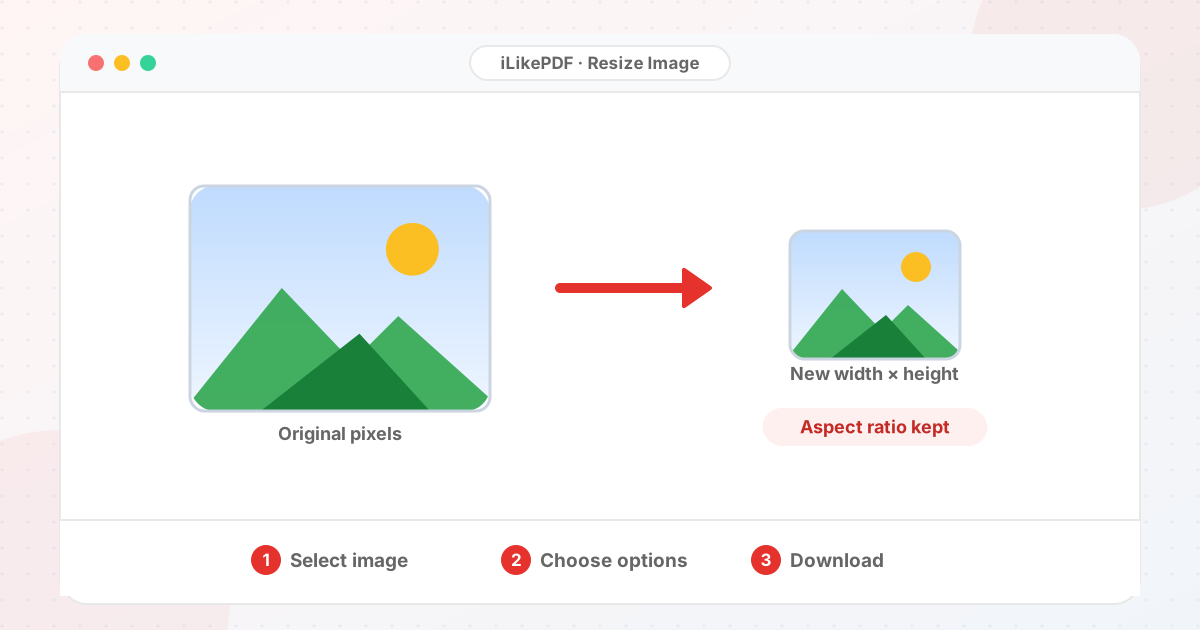
How to Use Resize Image
- Choose the image. Its current width and height in pixels appear.
- Type the new width. The height updates to keep the proportions. Adjust the height only if you want to change the shape.
- Select Resize & Download Image.
- Check the saved dimensions in your file manager and look for stretching.
Before & After
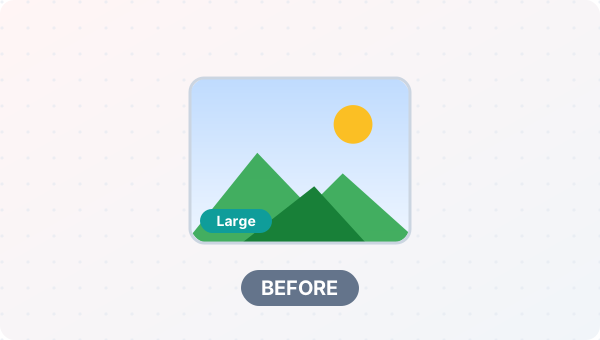
Before (Your original file(s))
- Files as you have them
- Nothing has been changed yet
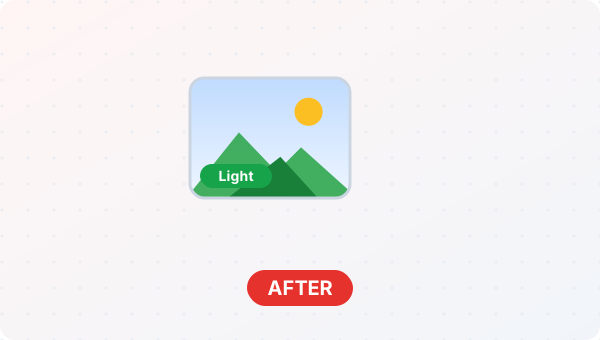
After (New result file)
- A new file downloads to your device
- Your original stays untouched
Conceptual illustration, not a screenshot.
Supported Input and Output
| Accepted input | Any image your browser can open. | ||||||||||||||||||||||||
| Controls | Width and height in pixels. Typing a width updates the height in proportion; editing the height alone does not change the width. | ||||||||||||||||||||||||
| Output | The same format as the source when the browser can encode it (JPEG, PNG, WebP), named resized-| Quality | JPEG output uses the browser's default quality (about 0.92). | File handling | Everything runs in your browser through the canvas API. The page loads no processing library, and the tool code makes no upload request. | Resize Image Features
Who Should Use Resize Image?
Use Cases and Output ChecksCommon uses
Check the output
Limitations and Troubleshooting
Common problems
Related Tools and GuidesQuick Summary
Share This ToolIf you found this tool useful, share it with friends and classmates: DisclaimerResize Image is for personal and educational use. Check your local laws and your organisation's rules before you process copyrighted or sensitive documents. Results depend on your file and browser, so always check the output before you use it. FAQs – Resize Image1. Resize Image kaise use karein?Apni file select karein, settings check karein aur “Resize & Download Image” button dabayein. Result neeche dikhega; phir Download par tap karein. 2. Kya Resize Image free hai?Haan, iLikePDF ka Resize Image tool bilkul free hai. Koi payment ya signup nahi chahiye. 3. Kya main mobile se Resize Image use kar sakta hoon?Haan, yeh tool mobile-friendly hai. Aap Android ya iPhone ke browser se bhi Resize Image use kar sakte hain. 4. Kya meri file upload hoti hai?Nahi. Yeh tool aapke browser me chalta hai; aapki file iLikePDF ke server par upload nahi hoti. (Kuch features ek helper library CDN se load karte hain, lekin aapki file unme nahi jaati.) 5. What does Resize Image do?Resize Image changes the pixel width and height of an image. Use it when the required result matches this operation; keep a separate copy of the source. 6. How do I use Resize Image online?Choose the image, set the offered width and height controls, preserve proportions where needed and save. Open the downloaded result before sending it to someone else. 7. Which source should I prepare for Resize Image?Prepare a supported image and the required pixel dimensions. Start with a file that opens correctly in its usual viewer. A renamed extension does not convert the underlying format. 8. What should I check in the Resize Image output?Check exact pixel dimensions, aspect ratio, sharpness and remaining file size. Keep the original until the result has passed these checks. 9. What does locking aspect ratio do?It keeps the width-to-height proportion consistent so the image does not look stretched. One dimension changes with the other. 10. Is resizing the same as cropping?No. Resizing changes dimensions; cropping removes parts of the frame. To fill a different-shaped box, cropping may be preferable to distortion. 11. Will enlarging an image create new real detail?Ordinary resizing interpolates pixels but cannot restore detail missing from the source. Start with a larger original for sharp output. 12. Does changing pixel dimensions guarantee a file under 50 KB?No. Format, quality and image complexity also affect byte size. Check the saved size or use a target-size workflow afterward. 13. Are pixels the same as DPI?No. Pixels describe the image grid; DPI relates that grid to a physical print size. Web upload requirements usually specify pixels and file size separately. 14. Why does my resized image look stretched?Width and height may have been changed independently. Restore the original proportions or crop to the target shape before resizing. 15. Can I resize a photo for an application form?Yes, when you follow that form’s exact dimensions, format and content rules. Resizing alone does not guarantee acceptance. 16. Should I resize before compressing?Usually set the needed dimensions first, then optimize the final image. This avoids spending bytes on pixels the destination will not display. 17. Why might Resize Image fail on a large file?Large source dimensions can exceed available image-decoding memory. Close unnecessary tabs and test a smaller non-confidential sample to separate a file-specific problem from a browser problem. 18. When is Resize Image useful?Prepare a profile picture, website asset or document photo to specified dimensions. Confirm the recipient’s requirements before preparing the final version. 19. What can I do after using Resize Image?Related next steps include Compress Image, Image Size Converter, Convert Image Format. Choose one only when you need that additional operation. Review the an image at the selected dimensions before applying another change, and retain your source copy. |