Compress PDF to 50 KB: Step-by-Step Guide
To use Compress PDF to 50 KB, open the tool, choose your file, and let it process in your browser — nothing is uploaded. Shrink a PDF to 50 KB or less by saving its pages as compressed pictures. The result downloads straight to your device, free and without sign-up.
Compress PDF to 50 KB turns one or more pictures into a PDF document, or adjusts an existing PDF's file size, so the result fits a specific KB or MB limit that a form or portal asks for — all processed in your browser.
What Is Compress PDF to 50 KB?
Compress PDF to 50 KB turns one or more pictures into a PDF document, or adjusts an existing PDF's file size, so the result fits a specific KB or MB limit that a form or portal asks for — all processed in your browser.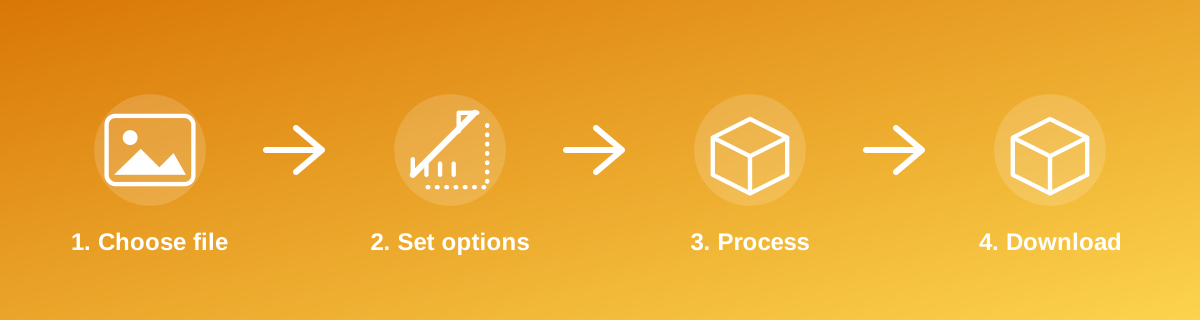
How to Use It — Step by Step
- Open Compress PDF to 50 KB and select your image or images.
- Set the target size or page arrangement as required.
- Let the tool build the PDF in your browser.
- Download the PDF and confirm its size before submitting it.
Why Use This Tool?
- Produces a single PDF from photos for forms that only accept PDF uploads.
- Hits specific file-size limits (such as under 100 KB or under 1 MB) that many government and job portals require.
- No installation of PDF software — everything runs in the browser tab.
- Files are processed on your device, not sent to a server.
Supported File Formats
Compress PDF to 50 KB accepts: PDF. Always confirm the accepted formats on the tool page itself if you are working with an unusual file type.
Quality, Resolution and File Size Considerations
A PDF built from JPEG images inherits the same compression trade-offs as the source photos — the tool re-compresses the embedded image to reach the requested size limit, so very small KB targets can visibly soften the image inside the PDF. If the result looks too rough, start from a smaller, well-lit photo rather than a very large, detailed one.
Is It Safe and Private?
Compress PDF to 50 KB runs its processing in your browser using your device's own resources. The tool code does not make an upload request for the file you select, so your file is not sent to a server for this task. Keep in mind that no tool can guarantee what happens after you download and share a file elsewhere — that depends on where you send it next.
Best Practices
- Check the exact KB or MB limit stated by the portal before choosing a target.
- Arrange photos in the correct order before generating a multi-page PDF.
- Open the finished PDF to confirm it displays correctly before submitting it.
- Keep the original photos separately in case a different size or format is needed later.
Common Problems and Fixes
The PDF is still too large Very detailed or high-resolution photos can be hard to compress into a very small PDF. Resize the source image smaller first, then convert to PDF.
Pages are in the wrong order Arrange the images in the order you want them to appear before starting the conversion, since the tool follows the selection order.
Text inside the photo looks blurry in the PDF This happens when a small target size forces heavy compression. Use the lightest setting that still meets the required limit.
Frequently Asked Questions
Yes, this tool is free with no daily limit and no watermark added to the result.
No sign-up is required. Open the tool page and use it directly.
No — the tool processes your file in your own browser, so it is not uploaded anywhere for this task.
Yes, the tool page is mobile-friendly and works in a phone browser as well as on a desktop.
Compress PDF to 50 KB is built specifically to reach this target — check the on-page result against the 50 KB figure before you rely on it.
Yes, tools in this group can arrange multiple images into a single multi-page PDF.
No — the PDF contains an image of the photo, not recognised text. Use an OCR tool separately if you need selectable or searchable text.
Related Tools
Key Takeaways
- Compress PDF to 50 KB runs in your browser — free, no sign-up, and your file is not uploaded for this task.
- Follow the four steps above and check the result before you rely on it for a form, portal or upload.
- Keep your original file, since results from lossy or destructive edits cannot always be undone.
Reviewed and updated 25 September 2026 by the iLikePDF Editorial team. This guide describes how the Compress PDF to 50 KB tool on iLikePDF works; always verify results against the specific requirements of the form, portal or platform you are submitting to.