About Resize PDF
Change the page size of a PDF to A4, A3, A5, Letter or Legal. One PDF named resized-<your file name>.pdf. Portrait pages stay portrait and landscape pages stay landscape.
iLikePDF's Resize PDF tool lets you change the page size of a PDF to A4, A3, A5, Letter or Legal — free, private and mobile-friendly.
Resize PDF changes the paper size of every page, for example from Letter to A4. The content is scaled to fit the new page and kept in the middle, so nothing is cut off.
Everything happens in your browser: your file is not uploaded to our servers.
Full walkthrough: Resize PDF: Step-by-Step Guide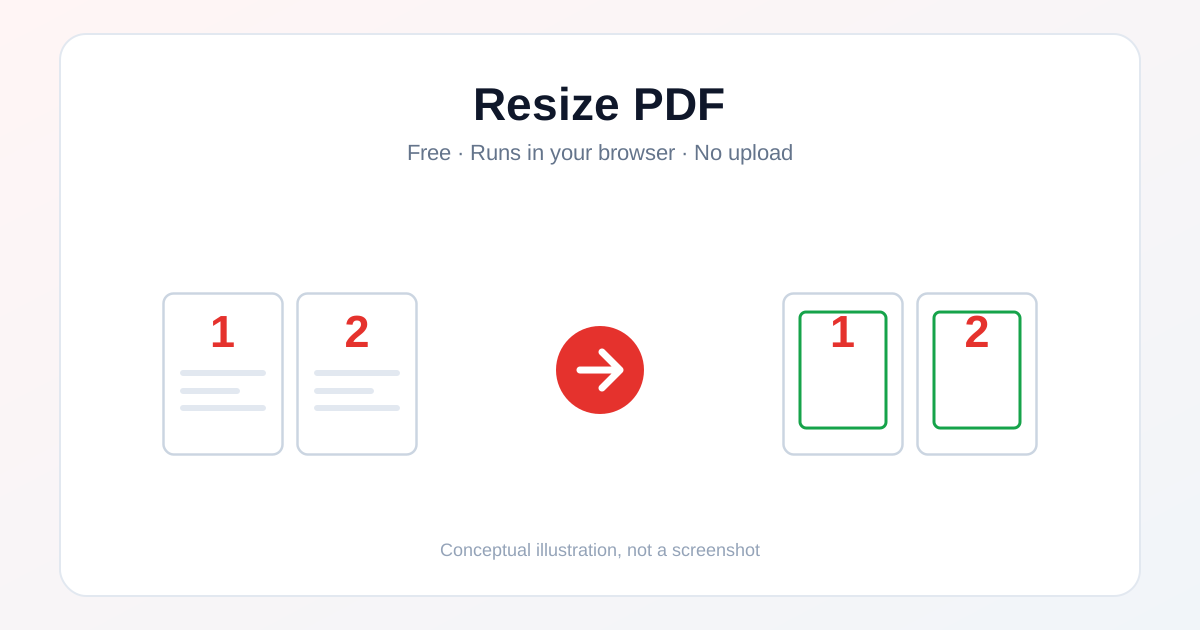
How to Use Resize PDF
- Open this tool and choose your PDF (or drag and drop it onto the upload box).
- Pick the page size and choose Fit (keeps the shape) or Stretch (fills the page).
- Click Resize PDF and wait for the short in-browser step.
- Open the new PDF and check that every page looks right.
Before & After
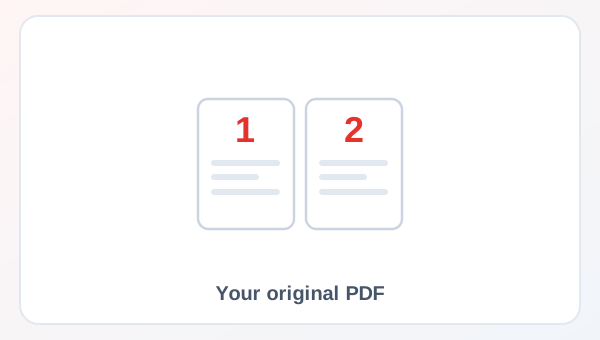
Before (Your original file)
- Files as you have them
- Nothing has been changed yet
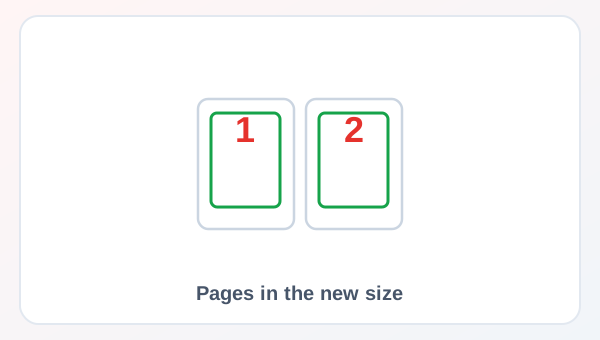
After (New result file)
- A new file downloads to your device
- Your original stays untouched
Conceptual illustration, not a screenshot.
Supported Input and Output
| Accepted input | One PDF (.pdf). |
| Output | One PDF named resized-<your file name>.pdf. Portrait pages stay portrait and landscape pages stay landscape. |
| File handling | The processing code runs in your browser. The file is not sent to our servers. |
Resize PDF Features
- ✅ 100% free – no payment, no sign-up, no watermark.
- ✅ No software – works straight in your browser.
- ✅ Private by design – your file is processed on your device, not uploaded.
- ✅ Original kept – a new file is created.
- ✅ Works on mobile and desktop – Android, iPhone, Windows and Mac.
Who Should Use Resize PDF?
- Students – prepare assignments and notes.
- Job Seekers – prepare resumes, certificates and ID proofs for online forms.
- Professionals – prepare reports and contracts for sharing.
- Small Businesses – send clean, correctly formatted documents.
- General Users – keep personal papers tidy and easy to share.
Use Cases and Output Checks
Common uses
- Convert a US Letter document to A4 before you print it in India.
- Make all pages of a mixed-size PDF the same size.
- Scale a scan up to A3 for a poster print.
Check the output
- Output opens correctly and matches what you expected.
- File size and quality are acceptable for your purpose.
- No unrelated page or personal data slipped in.
Limitations and Troubleshooting
- This tool changes the page size, not the file size. Use Compress PDF to make the file smaller.
- Fit adds blank margins when the shape is different. Stretch can distort the page.
- Links and form fields on the page may not work after resizing.
- Keep a copy of your original file until you have checked the result.
Related Tools and Guides
Quick Summary
| Feature | Details |
|---|---|
| Tool name | Resize PDF |
| Cost | 100% free |
| Software required | No |
| File upload | No – processed in your browser |
| Supported devices | Mobile & desktop |
| Best for | Change the page size of a PDF to A4, A3, A5, Letter or Legal |
Share This Tool
If you found this tool useful, share it with a friend.
Disclaimer
Resize PDF is for personal and educational use. Always check the result before you rely on it, and keep a copy of your original file.
FAQs – Resize PDF
1. Resize PDF kaise use karein?
Apni file select karein, zaroori options check karein, main button dabayein aur result download kar lein. Pehle chhoti file par try karna better hai.
2. Kya Resize PDF free hai?
Haan, iLikePDF ka Resize PDF tool bilkul free hai. Sign-up, watermark ya hidden charge nahi hai.
3. Kya main mobile se Resize PDF use kar sakta hu?
Haan, yeh tool mobile-friendly hai. Android, iPhone, Windows aur Mac ke modern browser me chalta hai.
4. Kya meri file upload hoti hai?
Nahi. Yeh tool aapke browser me chalta hai; aapki file server par upload nahi hoti.
5. What does Resize PDF do?
It changes the page size of every page to the size you choose and scales the content to fit.
6. Which sizes can I choose?
A4, A3, A5, Letter and Legal.
7. What is the difference between Fit and Stretch?
Fit keeps the shape of the page and adds blank margins if needed. Stretch fills the whole page and can distort the content.
8. Is the Resize PDF tool really processed without upload?
Yes. It runs in your browser, so your PDF stays on your device.
9. Does it make my PDF file smaller?
No. It changes the page size only. To reduce the file size use Compress PDF.
10. Do portrait and landscape pages stay the same?
Yes. A landscape page stays landscape in the new size.